Run the docker run command on your pi. From the FreshRSS documentation.
docker run -d --restart unless-stopped --log-opt max-size=10m \
  -p 8081:80 \
  -e TZ=Pacific/Auckland \
  -e 'CRON_MIN=1,31' \
  -v freshrss_data:/var/www/FreshRSS/data \
  -v freshrss_extensions:/var/www/FreshRSS/extensions \
  --name freshrss \
  freshrss/freshrss
Now its running and you can access it on your local network: 192.168.1.22:8080 To find your IP address run this on your pi. The IP is probably the first one.
hostname -IBut how can you access it over the internet? I don’t just want to use this at home.
Consider tailscale. Tailscale allows you to add devices to a ’tailscale network’ and for all intents and purposes consider them on the same private network.
Tailscale gives you this “private” IP address you can use from any tailscale connected device:
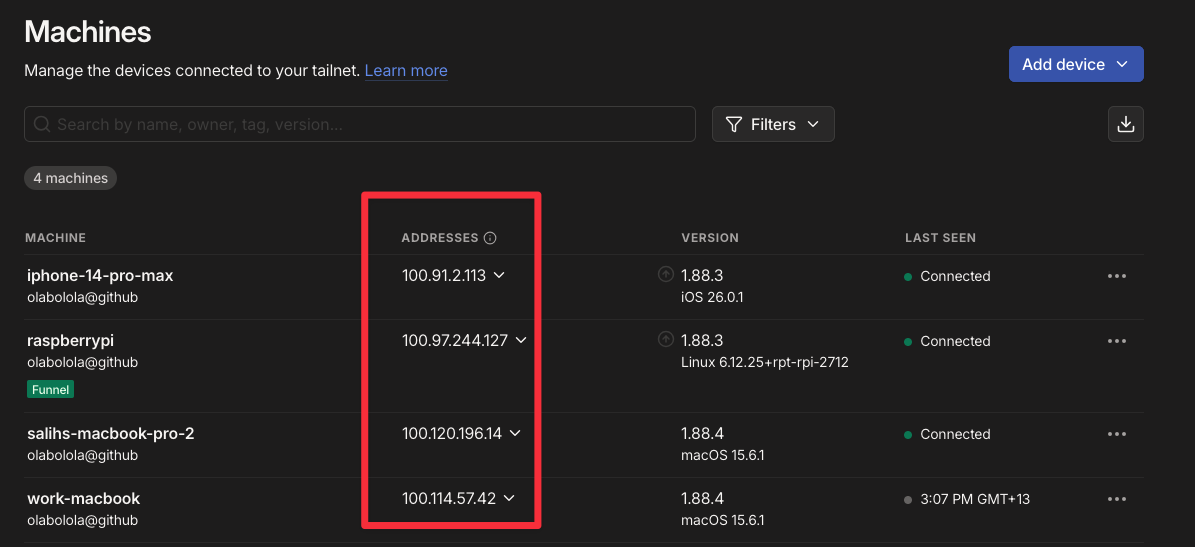
So if I’m on my laptop on the other side of the world… as long as both my laptop and my pi are on the same tailnet, then I can just input the pi’s address and access my RSS feed!
100.97.244.127:8081To install tailscale on raspberry pi run this
curl -fsSL https://tailscale.com/install.sh | shVarious other installation scripts for all platforms can be found on the tailscale website.
How can I update my freshrss container?
Taken from the docs.
# Get a new online version:
docker pull freshrss/freshrss
# And then
docker stop freshrss
docker rename freshrss freshrss_old
docker run -d --restart unless-stopped --log-opt max-size=10m \
  -p 8081:80 \
  -e TZ=Pacific/Auckland \
  -e 'CRON_MIN=1,31' \
  -v freshrss_data:/var/www/FreshRSS/data \
  -v freshrss_extensions:/var/www/FreshRSS/extensions \
  --name freshrss \
  freshrss/freshrss
# If everything is working, delete the old container
docker rm freshrss_old
What does my RSS feed look like?
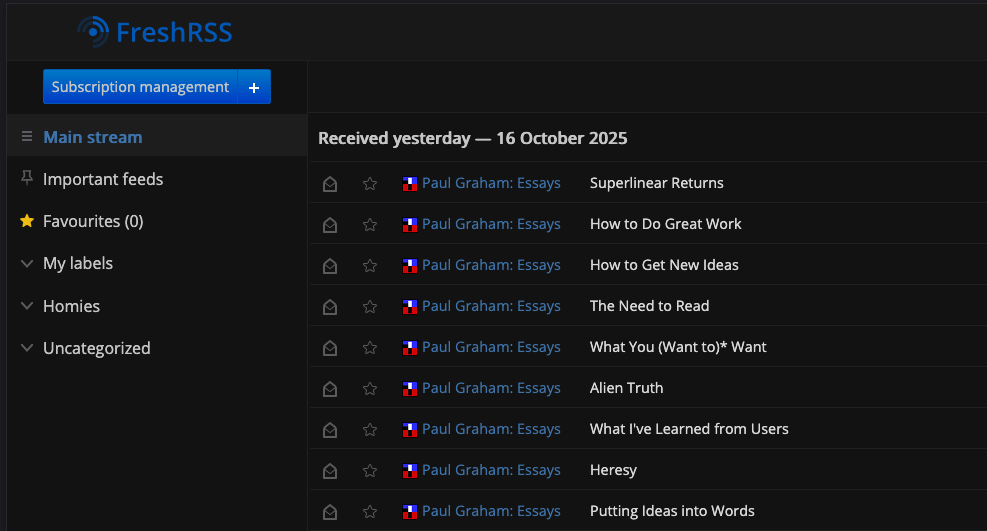
I don’t like that it’s http and not https
Tailscale already encrypts everything between tailscale nodes on the network level, but browsers are not aware of that. If we wish we can also use https to encrypt at the application level to make our browsers happy.
Right now we get this: 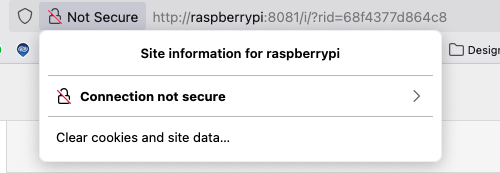
We can do this with tailscale as well. Tailscale has a built in reverse proxy tool that serves content in your tailnet only.
sudo tailnet serve --bg --https 8080 8081Some notes:
--bgruns this in the background.--https 8080means accept https connections on port 8080.- The final 8081, means forward these requests to localhost:8081 (where we are running FreshRSS).
You may get a request to enable serve and https:
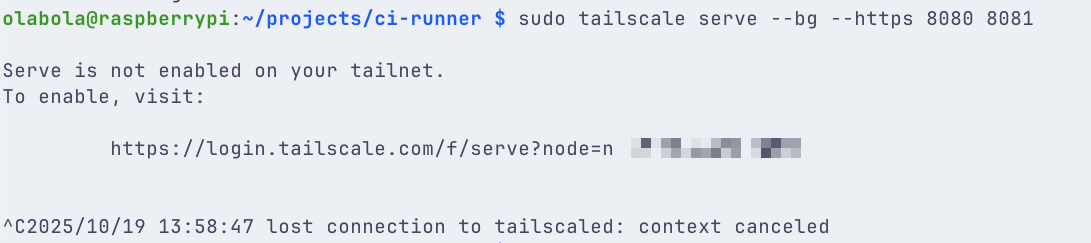
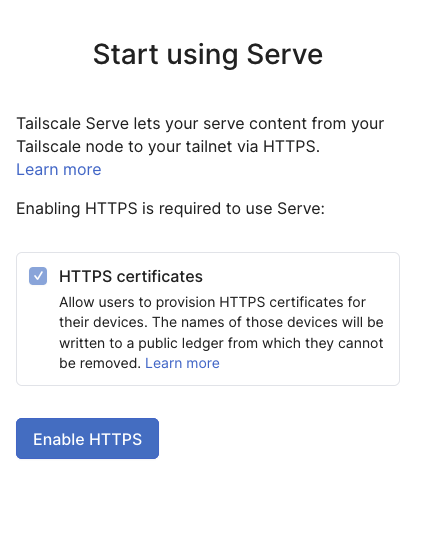 If you do this your tailnet name will be exposed in a public ledger. Not a massive deal though since my tailnet name is
 tail4ea27d.ts.net which doesn’t mean much :) Read more about this process from tailnet.
After enabling you will get an output that looks like this:

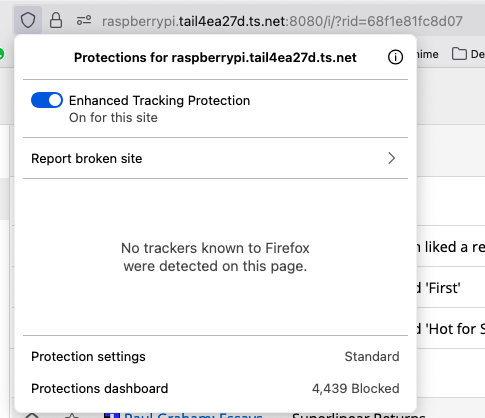
Now access your RSS feed with the URL from the command: https://raspberrypi.tail4ea27d.ts.net:8080. The browser is happy!
All secure!